
Can You Add a Book Now Button on Instagram?
Can You Add a Book Now Button on Instagram?
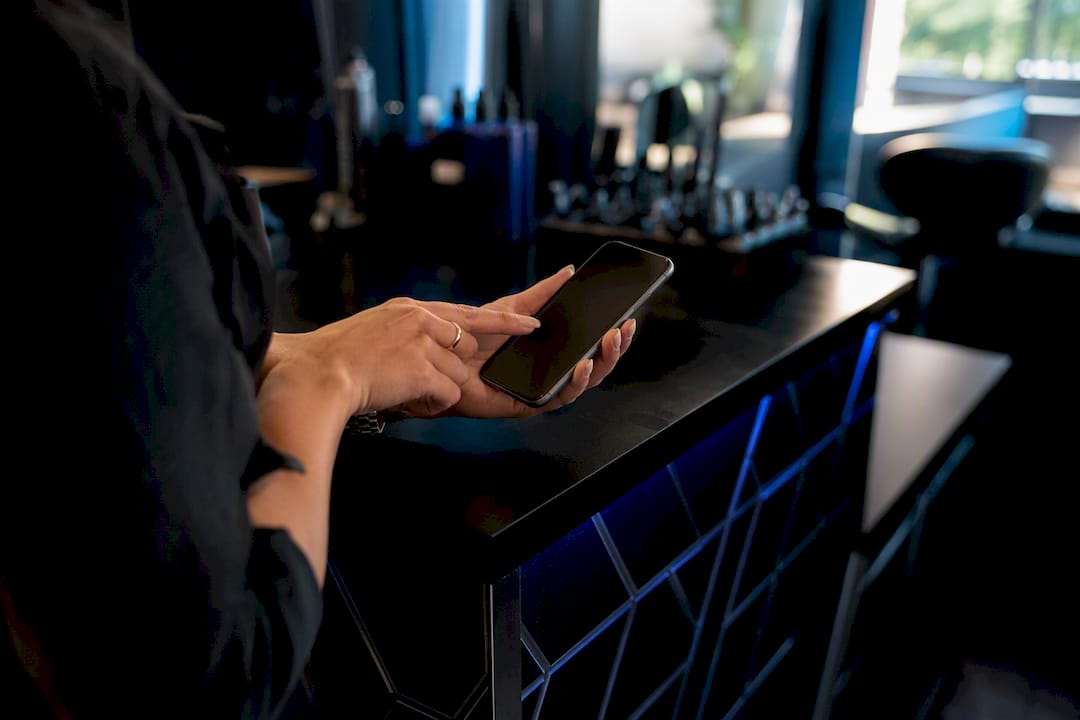
Yes, you can add an Instagram booking button, but two things need to be true first: you need a Professional (Business or Creator) account, and you need a supported scheduling partner connected to it. If either piece is missing, a bio link or Stories sticker fills the gap just fine. Once it’s live, book a test appointment yourself to confirm the flow actually works.
TL;DR:
- The booking button only appears if you have a professional Instagram account linked to a supported scheduling partner, which may require reauthorization or switching account types.
- Without approval from Instagram’s partner list, most users rely on bio links, story link stickers, or link-in-bio pages to direct customers to their booking pages.
- Increasing bookings depends on actively promoting the button through clear calls to action, showcasing booking ease, and tracking key metrics like taps and conversions weekly.
- If the booking button does not appear or work, verify account type, connection authorization, and whether your scheduler is on Instagram’s approved list; then test thoroughly.
- Using a branded booking page through Getexclusively enhances trust and conversion, offering a seamless, recognizable experience that outperforms generic scheduler links.
Table of Contents
- How to Set Up Your Instagram Booking Button
- What If the Native Booking Button Isn’t Available?
- How Do You Get More Bookings From the Button, Not Just Clicks?
- Why Isn’t My Booking Button Showing Up or Working?
- How Getexclusively Fits Into Your Instagram Booking Setup
- Where the Standard Advice on This Falls Short
- Get a Branded Booking Page Instagram Can Actually Sell
- Sources
How to Set Up Your Instagram Booking Button
Getting the Book button live takes a short time if your accounts are in order, longer if you’re switching account types for the first time. Here’s the order that avoids the most common dead ends.
- Switch to a Professional account. Go to Settings → Account → Switch to professional account, then pick a category that matches your business (Beauty, Health, or a close equivalent).
- Get your scheduler ready before touching Instagram. Your booking tool needs live services, real staff availability, and a working public booking page. Instagram pulls whatever is already active in your scheduler, so half-finished setup shows up as a broken link.
- Add the action button. Open Edit Profile → Contact Options → Add an Action Button, then choose Book or Reserve.
- Pick your provider and authorize the connection. Square documents this exact flow for its own Appointments product: select your platform from the list, log in with your business credentials, and grant Instagram permission to talk to your scheduler. Setmore and other approved partners follow the same basic pattern.
- Verify it actually works. Refresh your profile, tap the button yourself, and walk through a real booking. Check that a confirmation lands in your scheduler and that any customer-facing message or DM fires correctly.
Pro Tip: Book the test appointment from a phone that isn’t logged into your own business account. Owners often miss broken links because Instagram remembers their login and skips a step a new customer would actually hit.
What If the Native Booking Button Isn’t Available?
Not every scheduling tool is on Instagram’s approved partner list, and that’s fine. There are workarounds that convert almost as well as the native button once you set them up correctly.
- Bio link: Drop your booking URL directly into the Website field and pair it with a short, direct call to action in your bio text, something like “Tap the link to book your appointment.”
- Stories link sticker: Add a link sticker pointing to your booking page, then save that Story to a permanent Highlight labeled “Book” or “Appointments” so it never expires off your profile.
- Link-in-bio landing page: Tools like Linktree let you stack multiple links, but put your booking link first, not buried under five other options nobody clicks.
- Posts and Reels: Use on-screen text and captions (“Link in bio to book”) on your best content, especially transformation posts, to redirect attention straight to your booking link.
These fallbacks work well enough that some service businesses use them by choice even after qualifying for the native button, mainly because a link-in-bio page can hold more than one call to action.
Pro Tip: If you run seasonal promotions, swap the Highlight cover image seasonally too. A stale-looking “Book” Highlight cover from eight months ago quietly signals an inactive business, even when your booking page behind it is fully up to date.
How Do You Get More Bookings From the Button, Not Just Clicks?
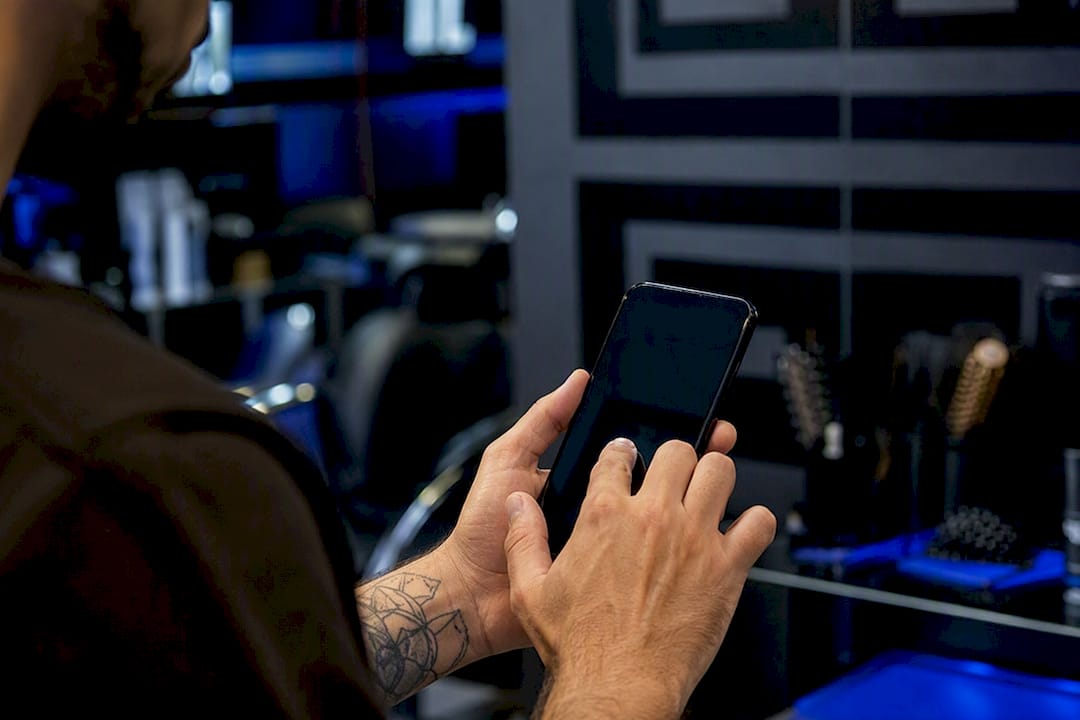
A button that sits there unused isn’t doing its job. Getting taps to turn into confirmed appointments takes a bit of deliberate promotion, not just a one-time setup.
- Keep your bio CTA short and directive: “Book your cut ↓” beats a vague “check out our services.”
- Use before/after photos, limited-time openings, and short client testimonials in posts to build urgency around booking now rather than later.
- Show the actual booking flow in a Story or Reel at least once a month. Seeing exactly how easy it is removes hesitation for people who’ve never booked online before.
- Add link stickers to relevant Stories, not just a static Highlight, since fresh Stories get more reach in the algorithm than saved ones.
Track three numbers weekly: button taps, booking completion rate, and confirmed appointments versus no-shows. If taps are high but completions are low, the problem usually sits in your scheduler, not your Instagram content. In-app booking reduces drop-off precisely because it removes the extra steps of leaving the app, so a clunky external booking page undoes that advantage fast.
Why Isn’t My Booking Button Showing Up or Working?
Run through this order before assuming something is broken beyond repair.
- Confirm you’re logged into the correct Instagram account and that it’s actually set to Professional, not Personal. This trips up more owners than any technical bug.
- Check whether your scheduling tool is on Instagram’s approved partner list. If it isn’t, the native button simply won’t connect, and you’ll need a bio link fallback instead.
- Reauthorize the connection from scratch, making sure you select the correct business account during login rather than a personal or duplicate one.
- Remember Instagram only displays one active action button at a time. If Reserve or Order is already set, you’ll need to remove or replace it before Book can appear.
- Finish with a full test booking and confirm your services show up as available in the connected scheduler.
How Getexclusively Fits Into Your Instagram Booking Setup
The action button gets someone to click. What happens after that click decides whether they actually book. A generic scheduling page with no branding, sitting behind a link, tends to lose people who don’t recognize it.
- Getexclusively builds a branded booking page and mobile app that matches your business identity instead of dropping clients onto a generic third-party page.
- Every provider on the platform sets their own pricing, availability, and services, so the destination Instagram sends people to is already accurate and ready to book.
- Payments run through Square or Stripe, so clients pay at booking instead of showing up and hoping for a card reader.
- Setup videos walk you through connecting the booking destination and testing the full flow before you promote it.
Where the Standard Advice on This Falls Short
Most guides on this topic stop at “add the button,” as if the button itself does the converting. It doesn’t. The button is a doorway, and plenty of business owners spend all their effort decorating the doorway while the room behind it is empty or confusing.
The bigger miss is treating the native Instagram button as mandatory when the fallback methods, done well, often outperform it. A polished link-in-bio page with a booking link at the top and a couple of well-placed testimonials frequently converts better than a bare “Book Now” button pointing at a scheduler with no context.
What actually moves the needle is the destination behind the click: a booking page that looks like your business, shows real availability, and lets someone pay without leaving the flow. Get that right first. The button, native or not, is the easy part.
— Service
Get a Branded Booking Page Instagram Can Actually Sell
A generic scheduler link works, but it doesn’t build trust the way a page that looks unmistakably like your business does. Getexclusively gives barbers and beauty professionals a fully branded booking page and mobile app, so the click from your Instagram bio lands somewhere clients recognize instantly, not a stock template with someone else’s colors.

You set your own pricing, availability, and service menu, and payments run through integrated Square or Stripe checkout so clients pay when they book instead of at the chair. If you’re ready to see what a branded booking destination looks like for your business, check out Exclusively’s appointment software or compare plans on the pricing page to find the setup that fits.
Sources
- About action buttons for Instagram Business profiles
- Receive appointment bookings through Instagram and Facebook | Square Support Center - United States
- How to Add a Book Now Button on Instagram: Step-by-Step
- How to Book More Customers on Instagram