
QR Code Booking for Small Businesses: Scan to Book Made Simple
QR Code Booking for Small Businesses: Scan to Book Made Simple
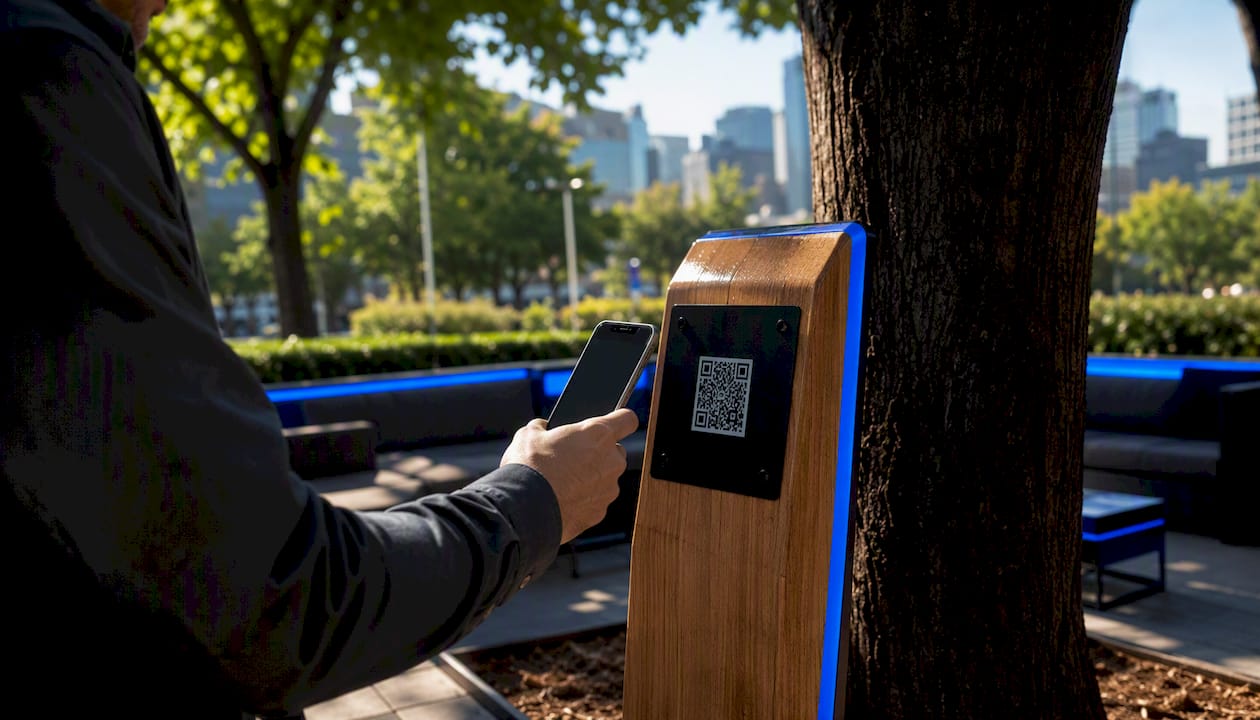
Yes, a QR code can send customers straight to your booking page so they can book from their phone in seconds. Here’s the fastest path to a working code today:
- Grab your booking link (your scheduling platform’s page or your website’s booking URL)
- Generate the code (free static tools work; a dynamic one is smarter if you’ll ever change the link)
- Test it yourself on your own phone before it goes anywhere public
- Print or display it somewhere customers will actually see it
If you think you’ll swap booking software, run promotions, or want to know which flyer actually gets scanned, use a dynamic QR code. It costs a little more, but it saves you from reprinting everything later.
Key Takeaways
A dynamic QR code linked to a branded, mobile-optimized booking page converts more walk-in interest into confirmed appointments than a static code or a generic scheduling link.
| Point | Details |
|---|---|
| Start with the link | Use your actual booking page URL, not a homepage, before generating any code. |
| Choose dynamic for reuse | Pick dynamic QR codes for anything printed long-term so you can update links without reprinting. |
| Test before printing | Scan on multiple phones and complete a mock booking up to payment before mass printing. |
| Track by placement | Use unique codes per location to see which spot, window, receipt, or card, drives real bookings. |
| Go branded with Getexclusively | Getexclusively pairs QR-ready booking pages with a fully branded website, app, and Square payments. |
Where to Learn More About QR Behavior and Testing
For deeper reference on how codes behave over time and how to structure tracked links, OpenTable’s QR code support documentation covers reservation-specific setup, and the QR Code Generator blog explains expiration behavior in plain terms. For placement-level tracking workflows, see Dynamic QR’s booking use case and Scanlo’s booking QR generator.
- OpenTable: QR code reservation setup and mobile browser behavior
- QR Code Generator blog: why codes don’t expire on their own
- Dynamic QR and Scanlo: placement tracking and analytics examples
Table of Contents
- What Is QR Code Booking and Why Does It Work?
- How Do You Create a Booking QR Code Step by Step?
- Static vs Dynamic QR Codes: Which One Should You Use?
- Where Should You Place Booking QR Codes for Best Results?
- What Are the Best Design and Printing Practices?
- How Do You Track Scans and Handle Privacy?
- Why Does a Branded Booking Experience Matter?
- Getting a Branded Booking Page Live Without the Guesswork
- Sources
What Is QR Code Booking and Why Does It Work?
A booking QR code is just a scannable image that opens your booking link in a customer’s phone browser or app. Point a camera at it, tap the link, land on a page where you can pick a time and confirm. That’s the whole mechanism.
It works because it removes the gap between “I want this” and “I did something about it.” A window shopper glancing at your storefront, a client staring at your receipt, someone bored in your waiting room scrolling their phone. Without a QR code, that interest fades by the time they get home and try to remember your business name. With one, the booking flow opens before they’ve even put the phone down, which matters most for capturing walk-ins outside staffed hours or slow moments when nobody’s at the counter to book them manually.
Businesses that lean on this hardest tend to be:
- Barbershops and salons (chairs, mirrors, and receipts all become booking triggers)
- Clinics and wellness studios booking recurring appointments
- Restaurants managing reservations and waitlists
- Tour operators and short-term resource bookings (desks, rooms, equipment)
How Do You Create a Booking QR Code Step by Step?
You don’t need design skills or a developer for this. Here’s the reliable sequence.
- Get your public booking link. This is the exact URL customers land on to pick a time, whether that’s your scheduling platform’s hosted page, a booking page on your own website, or a shortened link you control.
- Pick your generator type. Static QR codes are free and encode the link permanently. Dynamic QR codes cost a small monthly or annual fee but let you change the destination later and see scan data without touching the printed code.
- Paste the link and generate. Export as SVG or PDF if you’re printing anything larger than a business card; use high-resolution PNG for smaller digital or print use.
- Test it on multiple phones. Don’t just glance at it. Actually scan with an iPhone and an Android device, on Wi-Fi and cellular, and walk through a mock booking up to (but not including) payment to confirm the mobile layout doesn’t break.
- Print, apply, and label it. Add a short instruction like “Scan to Book” and a fallback short link in text, for the handful of customers who don’t know how to scan.
Pro Tip: Test your QR code in dim lighting and on a cracked or older phone screen, not just your own device in good light. That’s usually where scans fail in the real world, not in your test at your desk.
A few things people skip that cause headaches later:
- Not checking that the booking link works without requiring a login first
- Forgetting the destination page needs to load fast on mobile data, not just Wi-Fi
- Printing before testing on more than one phone
Static vs Dynamic QR Codes: Which One Should You Use?
Static codes bake the URL directly into the image. They’re free, permanent, and completely inflexible. Change your booking link, and the code is dead. You’d have to design and reprint everything.
Dynamic codes point to a redirect you control. Change the destination anytime without touching the printed code, and most dynamic services layer on scan analytics so you can see how often a code gets used.
Here’s how the trade-off usually plays out:
- Choose static for a one-time flyer, a single event, or anything temporary where reprinting isn’t a real cost.
- Choose dynamic for anything printed on something durable: window decals, business cards, signage, or receipts you’ll reuse for months or years.
- Choose dynamic if you plan to change booking platforms, adjust seasonal offers, or actually want to know which placement is working.
- Stick with static if you’re testing an idea cheaply and don’t care about tracking yet.
Free static generators cover the basics fine. Professionals tend to move to paid dynamic codes once they’ve been burned by reprinting a hundred window decals after switching software.
Where Should You Place Booking QR Codes for Best Results?
Placement decides whether a QR code gets used or ignored. A code buried on page three of a menu will never perform like one taped to your mirror at eye level.
High-value spots worth prioritizing:
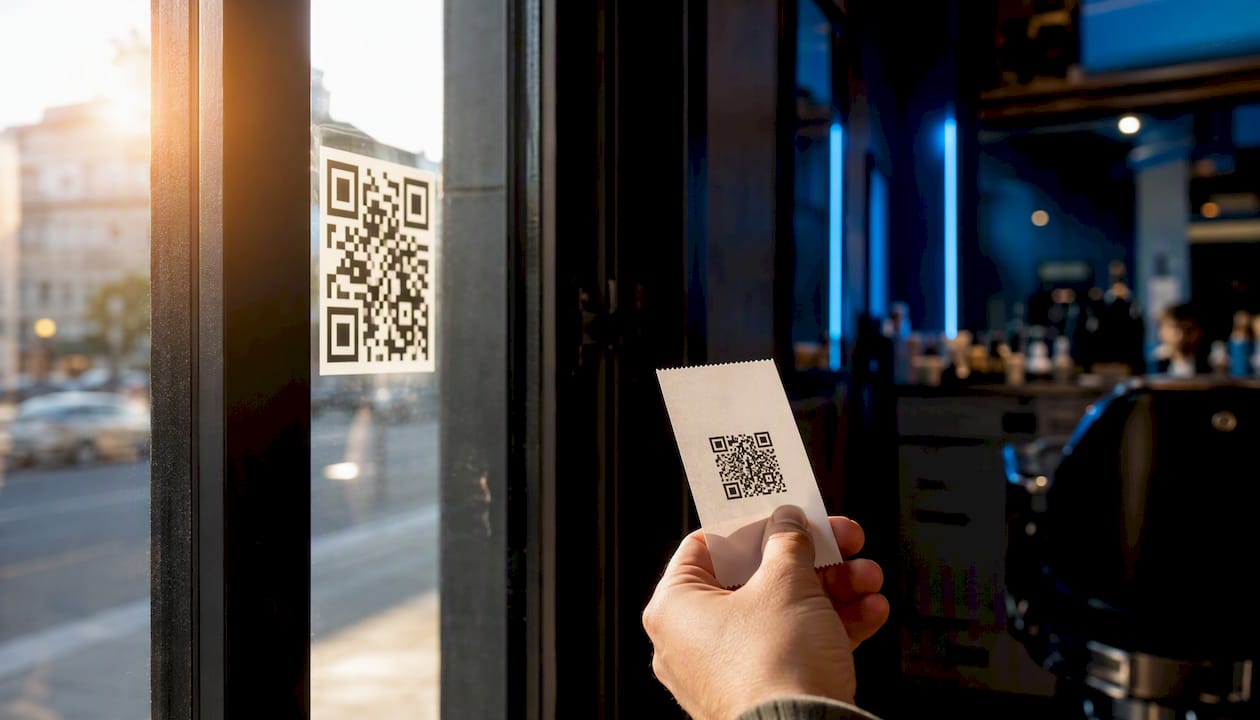
- Storefront window (for after-hours foot traffic and passersby)
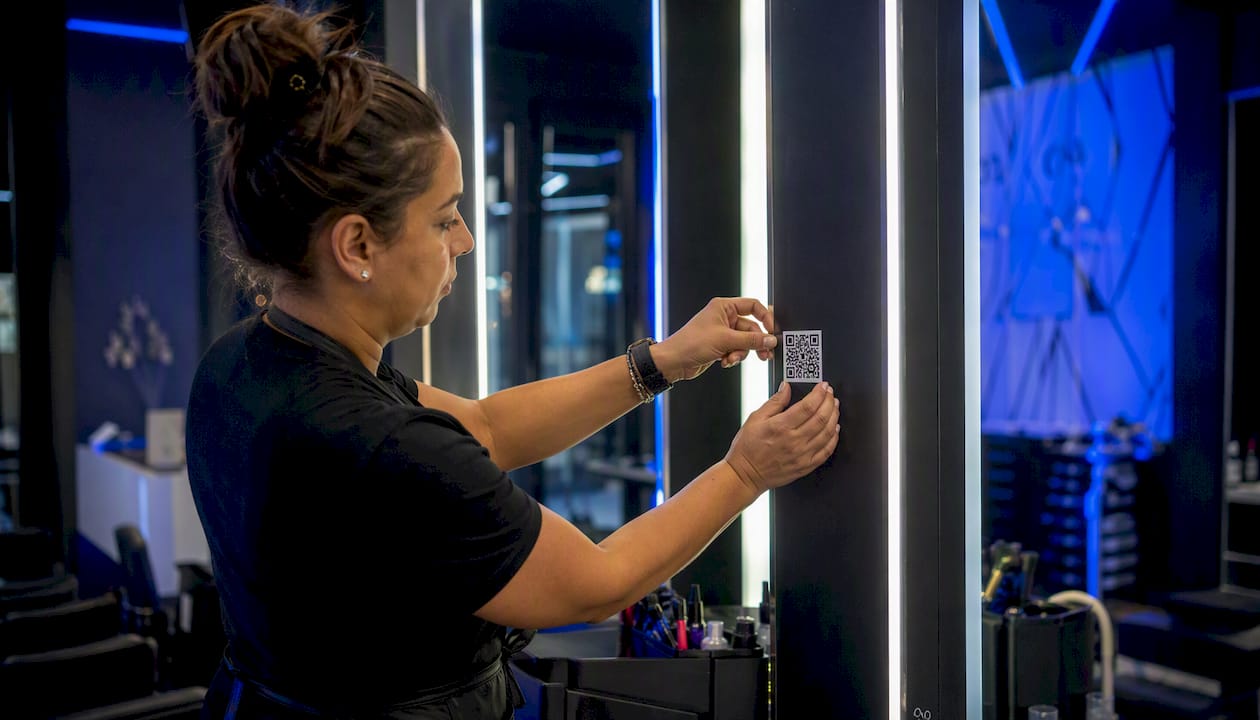
- Reception counter and service mirrors
- Printed receipts (customers already have them in hand)
- Business cards handed out in person
- Flyers, event posters, and social media bios
Size and distance matter more than people expect. A window decal meant to be scanned from the sidewalk needs to be noticeably larger than a table tent someone’s standing right next to. Always add a short visual cue, “Scan to Book” in clear type, plus a fallback short link in text for people who’d rather type it in.
Pro Tip: Use a different code (or a parameterized short link) for each physical placement. That way you can see whether your window decal or your receipt code is actually driving more bookings, instead of guessing.
What Are the Best Design and Printing Practices?
Getting the file format right avoids ninety percent of “why won’t this scan” complaints. Use SVG for anything printed at large sizes since vector files stay sharp no matter how big you scale them; export PNGs at 300 DPI if you’re stuck with raster.
Keep these sizing and contrast rules in mind:
- Minimum 2 x 2 inches for close-range scans like receipts or counter cards
- Larger for window decals or posters meant to be scanned from a few feet away
- Leave a clear quiet zone (blank margin) around the code, don’t crowd it with text or logos
- Dark code on light background, high contrast, no busy patterns behind it
- Laminate or use vinyl for anything outdoors or in direct sunlight, and watch for glossy glare that breaks scanning on reflective surfaces
How Do You Track Scans and Handle Privacy?
A dynamic QR code or a unique short link per placement gives you a scan count and often device data, which is the only real way to know which spot is earning its space. Compare scans against completed bookings to get a rough conversion rate, using either UTM parameters or your booking platform’s own analytics.
OpenTable notes that QR codes stay active for as long as the linked URL remains valid, and recommends mobile-friendly destination pages since the code opens directly in a phone’s browser. Separately, QR codes don’t expire on their own; they keep working indefinitely as long as the destination is live, which is exactly why a dynamic redirect is safer for anything long-term.
On privacy: collect only what you need. Note the tracking in your privacy policy, and avoid storing personal identifying information at the redirect level itself.
- Use dynamic codes or unique short links for scan-level tracking
- Compare scan counts to actual completed bookings, not just clicks
- Disclose analytics collection in your privacy policy
- A code lasts as long as its destination URL does, not on a fixed timer
Why Does a Branded Booking Experience Matter?
A generic booking widget slapped onto a third-party page reads as impersonal, and clients notice. A branded page that looks like your business, with your name, your logo, your service list, reassures people they’re in the right place and reduces abandoned bookings before they even start.
Owning your pricing, availability, and service descriptions also cuts down on the back-and-forth messages that eat up your day. And when the booking flow, payment, and reminders live in one connected system instead of three disconnected tools, fewer things break between the scan and the confirmed appointment.
- Branded pages reduce hesitation at the exact moment someone’s deciding to book
- Direct control over pricing and availability means fewer manual corrections
- Integrated payments and reminders cut down no-shows without extra staff effort
A Service Provider’s Take on Making QR Booking Actually Work
Start with one placement, not ten. Print a single code, watch how it performs for two weeks, then expand. Train your staff to point it out, most no-shows on scanning come from staff never mentioning it exists. If a code doesn’t scan, check contrast and glare first, then confirm the destination link loads without a chain of redirects that trips up mobile browsers.
Getting a Branded Booking Page Live Without the Guesswork
Everything above works fine with a generic scheduling link. But a QR code that opens onto a page with someone else’s branding, or a booking flow that hands your client off to a third-party interface, is money left on the table. Getexclusively builds you a fully branded website and mobile app, with booking, availability, and payments through Square, all under your own name, so the moment someone scans your code, they land on something that looks unmistakably like your business.

You keep control over your pricing, your service menu, and your schedule, and clients see one consistent, professional experience whether they book from your window decal, your Instagram bio, or your receipt. If you’re ready to swap a generic booking link for a page that’s actually yours, check out Exclusively’s appointment platform and see current pricing plans to get your branded booking page live.
Sources
- Create QR codes for reservations, menus, waitlist, and more — OpenTable Support
- QR code for booking — Free Generator & Dynamic Tracking | Dynamic QR