
How to Set Up Recurring Appointments in Your Salon
How to Set Up Recurring Appointments in Your Salon
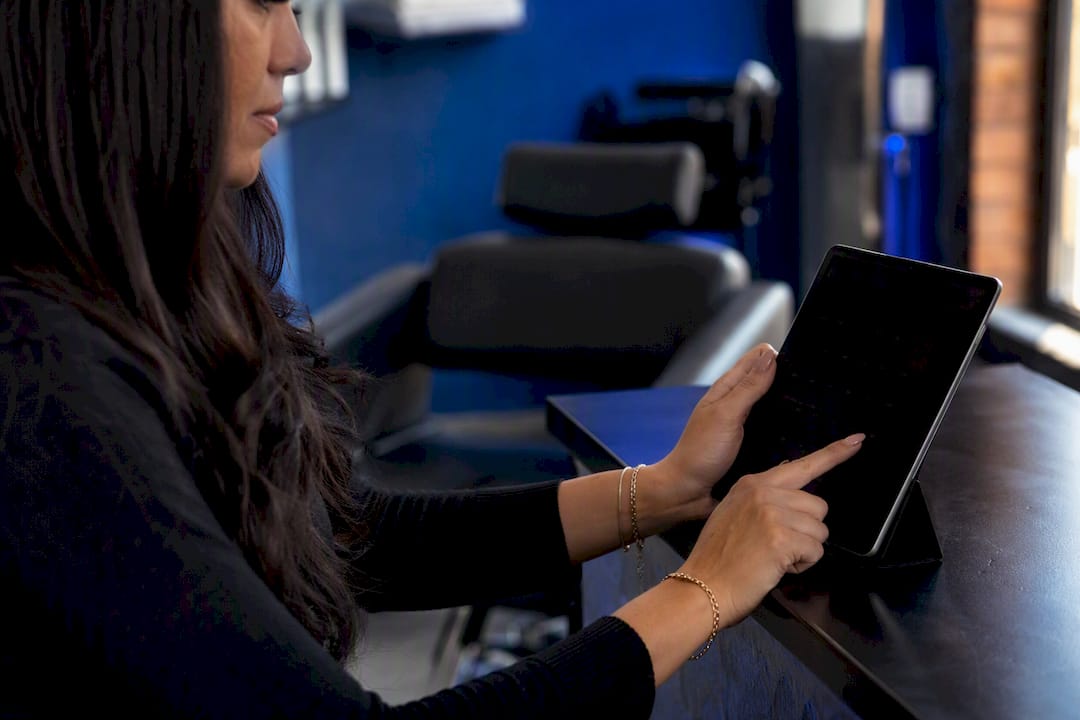
Yes, modern salon scheduling systems support recurring (or “standing”) appointments, and setting one up takes less than two minutes once you know where to look. Open an existing appointment or start a new client ticket, then look for the “repeat” or “make recurring” control in your calendar view. From there, you pick a frequency and an end condition, and the series builds itself.
- Fewer no-shows because clients already have the visit locked into their routine
- Steadier weekly revenue you can actually forecast
- Higher client retention without extra marketing spend
Salons that automate booking and reminders around repeat visits often see meaningful drops in missed appointments, since automated reminders reduce the manual back-and-forth that causes clients to forget.
Key Takeaways
Recurring appointments work because they turn one booking decision into months of guaranteed revenue, provided the salon sets clear frequency, payment, and cancellation rules from the start.
| Point | Details |
|---|---|
| Start from an existing ticket | Build the series from a client’s ticket, not a blank slot, so history and add-ons carry through. |
| Match cadence to service type | Weekly for blowouts, six weeks for color, monthly for memberships keeps chairs full without overbooking. |
| Edit scope prevents chaos | Always choose single instance, future instances, or full series before saving a change. |
| Memberships need guardrails | Visit caps, booking windows, and card-on-file terms protect revenue and staff time. |
| Getexclusively runs it end to end | Branded booking, provider-level controls, and Stripe/Square support keep recurring programs organized in one platform. |
Where to Find Setup Steps and Membership Examples
- Creating a Recurring Appointment: exact setup steps
- Salon Membership Terms: billing and cancellation examples
Table of Contents
- How Do You Create a Recurring Appointment?
- Which Recurrence Pattern Fits Which Service?
- How Do You Edit or Cancel Part of a Series?
- What Payment and Membership Terms Should You Set?
- What Operational Rules Keep Recurring Bookings Running Smoothly?
- How Does a Branded Platform Support Recurring Bookings?
- Sources
How Do You Create a Recurring Appointment?
Every scheduler handles the mechanics a little differently, but the core flow is nearly universal across salon software. You start from a ticket, not from a blank calendar slot, which keeps the client’s service history and preferences attached to the whole series.
- Open the client’s ticket or create a new appointment and add the services and add-ons you want repeated, like a root touch-up plus a gloss.
- Find the “Repeat” or “Make Recurring” button, usually near the date and time fields or in a side panel on the appointment card.
- Set the start date, then choose your frequency (weekly, biweekly, monthly, or a custom interval like every six weeks).
- Pick an end condition: a fixed number of occurrences, a calendar end date, or “never” for an open-ended series you’ll manage manually later.
- Save the series and double-check that confirmation and reminder settings carry over to every future instance, not just the first one.
This exact sequence, open ticket, make recurring, choose frequency and end condition, save series, is the canonical flow documented across scheduling platforms, which means once you’ve learned it once, you can apply it almost anywhere.
Pro Tip: Set the end condition to “after X occurrences” instead of “never” for new clients. It forces a natural check-in point where you confirm they still want the series, rather than letting a stale recurring booking clog a stylist’s calendar for a client who quietly stopped coming.
Which Recurrence Pattern Fits Which Service?
Not every service belongs on the same clock. A blowout client and a balayage client need completely different rhythms, and picking the wrong one either overbooks your chair or lets clients drift away between visits.
- Weekly: blowouts, brow maintenance, quick touch-ups
- Biweekly: men’s haircuts, lash refills, nail fills
- Every 4 to 6 weeks: root color, trims for shorter styles
- Monthly: facials, deep-conditioning treatments, membership-based blowout plans
Most platforms let you choose between monthly-by-date (the 15th of every month) and monthly-by-weekday (the third Tuesday), plus multi-day patterns for clients who come in twice a week for a treatment series. Recurrence controls typically include daily, weekly, and monthly patterns with specific weekday selection, so you’re rarely locked into one rigid cadence.
Color services map cleanly to a six-week cycle, trims stretch to eight or twelve weeks, and blowout memberships often run weekly or unlimited-monthly depending on how the salon structures billing.
How Do You Edit or Cancel Part of a Series?
Recurring appointments only work if changing one visit doesn’t wreck the other eleven. Good scheduling software gives you three distinct edit scopes, and knowing which one to pick matters more than people expect.
- Edit a single instance when a client needs to shift just next Tuesday’s appointment without touching the rest of the series.
- Edit all future instances when a stylist changes their standard appointment length or a service price increases going forward.
- Cancel or pause the entire series when a client is moving, going on leave, or simply wants to stop the recurring commitment.
- Skip one occurrence for holidays or vacations, which keeps the series intact but removes that single date from the calendar.
Before confirming any change, most systems run a conflict check against upcoming instances, flagging double-bookings or staff time-off before they become a front-desk fire drill. When you edit or cancel an instance, the client should get a notification specific to that change rather than a generic “your appointment changed” message that leaves them guessing which visit was affected.
What Payment and Membership Terms Should You Set?
Recurring visits and recurring revenue are two different problems, and salons that only solve the first one leave money on the table. You’ve got three basic payment models to choose from: card-on-file billing that charges automatically before or after each visit, a deposit collected at booking, or straightforward pay-at-visit for clients who just like the routine without a financial commitment.
Membership programs go a step further. A typical structure includes a flat monthly fee, a visit cap or unlimited-visit allowance, and clear rules for pausing or canceling. Membership pages commonly list monthly billing alongside minimum commitment periods and non-transferability clauses, which protects the salon from members who buy one month, use every visit, then cancel immediately.
- Set a cancellation window (24 to 48 hours is standard) to avoid last-minute revenue gaps
- Cap how many future appointments a member can hold at once, often just one active booking at a time
- Require card-on-file for any membership before the first visit, not after
Pro Tip: Test your refund and dispute flow with a $1 charge before launching a membership publicly. A misconfigured Stripe or Square integration is far easier to fix before fifty clients are on autopay than after.
What Operational Rules Keep Recurring Bookings Running Smoothly?
Recurring programs fail quietly when the back-of-house process doesn’t match the promise on the booking page. A handful of small operational rules prevent most of the friction before it starts.
- Cap how far in advance clients can book (90 days is common) so your calendar stays flexible for walk-ins and new business
- Reserve specific slots for repeat clients rather than letting first-come booking eat into stylist availability
- Send one confirmation for the whole series plus a reminder before each individual visit, which cuts confusion without spamming clients
- Train front-desk staff on exactly how to handle a membership pause request or a chargeback dispute before it happens live
One active booking at a time and defined scheduling windows are common membership guardrails that keep availability fair for everyone, not just your most frequent clients.
Pro Tip: Give staff a one-page script for the three most common exceptions, late cancellation, membership pause, and payment failure, so every stylist handles them the same way instead of improvising.
How Does a Branded Platform Support Recurring Bookings?
A branded booking system handles the parts that make recurring programs sustainable rather than chaotic: your own app for clients to view and manage repeat visits, provider-level controls so each stylist sets their own availability and service intervals, and payment integrations built for recurring charges instead of one-off transactions.
- Clients book and check upcoming series visits from your own branded app, not a generic marketplace listing
- Stylists control which intervals they’ll accept, protecting their calendar from impossible back-to-back requests
- Stripe and Square integrations handle membership billing, deposits, and refunds without manual invoicing
- Step-by-step setup videos walk new staff through configuring their first recurring series
| Point | Details |
|---|---|
| Recurring appointments are standard | Most salon scheduling tools include a repeat or standing-appointment feature built for this exact use case. |
| Choose the right cadence per service | Match weekly, biweekly, or six-week intervals to the actual regrowth or maintenance cycle of each service. |
| Edit scope matters | Always confirm whether a change applies to one instance, future instances, or the whole series before saving. |
| Memberships need clear terms | Set visit caps, cancellation windows, and card-on-file requirements before launching any membership publicly. |
| Getexclusively centralizes the workflow | Its branded booking, provider-level controls, and Stripe/Square support run recurring programs from one platform. |
When Should a Salon Move From Recurring Appointments to a Full Membership?
Memberships earn their complexity when you have predictable demand, loyal repeat clients, and staff capacity to absorb guaranteed monthly volume. If any of those three is shaky, start with simple recurring appointments, measure retention and chair load for a season, then decide if scaling into a paid membership actually pays off.
— Service
Run Your Recurring Program on a Platform Built for It
Getexclusively gives you one system where recurring bookings, provider-level availability, and payment collection actually talk to each other, instead of stitching together a scheduler, a separate payment processor, and a spreadsheet of membership rules. Stylists set their own intervals and pricing, clients book and track their series from your salon’s own branded app, and Square or Stripe handles the recurring charges behind the scenes.

If you’re ready to move off manual rebooking, check the appointments and recurring booking features or compare plans on the pricing page to see which tier fits a membership program your size can actually support.
Sources
- Creating a Recurring Appointment - Desktop
- Recurring appointments | Salonized Help Center
- Salon Booking Software | Online Scheduling - Appointy
- Hair Salon Membership - Denver
- Unlimited Monthly Blowouts | Paramount Hair Extensions