
Add 15–25% More Bookings with Booking Pages for Salon Owners, No Dev
Add 15–25% More Bookings with Booking Pages for Salon Owners, No Dev
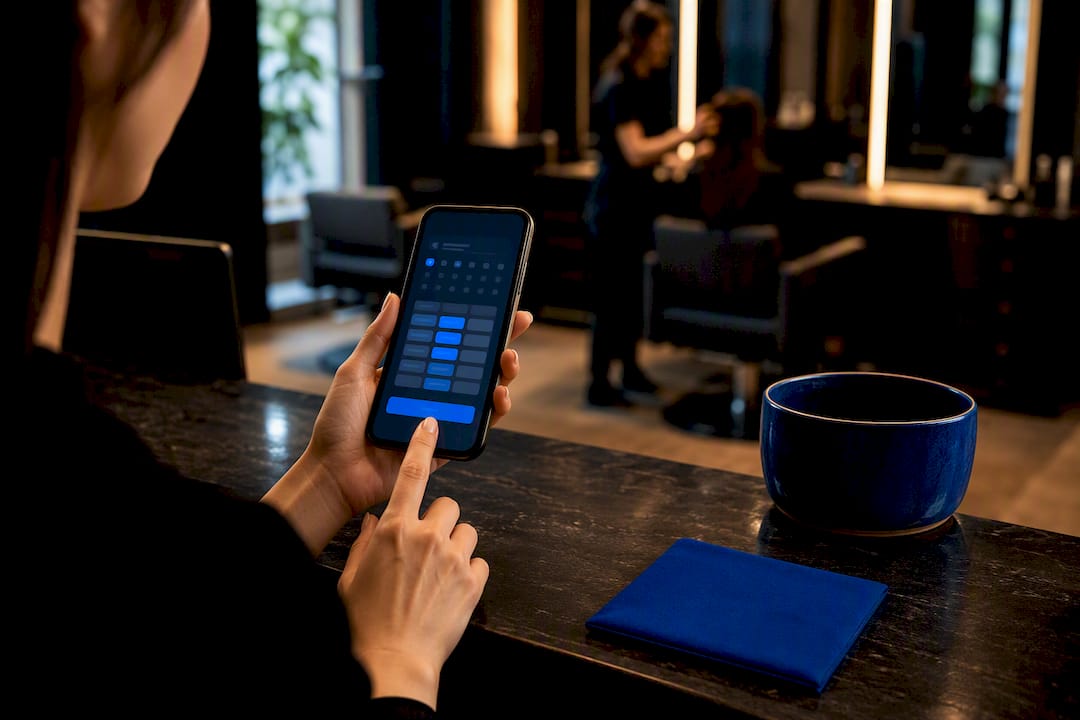
The booking page that wins is a branded, embedded page on your own site, not a link to somebody else’s software. It shows pricing, stylist profiles, and a real gallery, and it collects a deposit before the client walks away. Get those five things right first: embed the widget on your homepage, publish starting prices, add a portfolio, put a sticky Book Now button on mobile, and turn on integrated payments. Do that and you’ll see fewer no-shows and more finished bookings within weeks.
TL;DR:
- Embedding a branded booking widget directly on your homepage increases completion rates by 15 to 25 percent and improves trust with consistent branding.
- Listing starting prices with service durations and offering stylist profiles with direct booking buttons reduces unqualified inquiries and last-minute reschedules.
- Keeping the booking process within three taps or fewer and using clear microcopy minimizes drop-off caused by friction or lengthy forms.
- Configuring services with accurate durations, buffer times, deposit rules, and integrated payments ensures reliable scheduling and revenue protection.
- Running test bookings and monitoring metrics like completion, no-show, and rebooking rates helps optimize the booking flow and demonstrate return on investment within a month.
Table of Contents
- What Belongs on a High-Converting Salon Booking Page?
- How Do You Design a Booking Flow That Doesn’t Lose People?
- How Should You Configure Services, Deposits, and Payments?
- What Should You Track After the Booking Page Goes Live?
- Why an Owned Booking Page Beats a Rented Widget
- A Branded Booking Page Without the Development Headache
- Sources
- FAQ
What Belongs on a High-Converting Salon Booking Page?
Most salon sites lose bookings before the client ever picks a time. The widget is buried on a separate page, the prices say “call for quote,” and there’s no photo of the person who’ll actually be cutting their hair. Fix the structure first, then worry about polish.
Start with placement. Embedding the booking widget directly on your homepage, instead of linking out to a separate booking page, increases completions by 15 to 25 percent. On mobile, pair that with a sticky Book Now button that stays visible while someone scrolls through your gallery or service list.
Here’s the checklist worth auditing your current page against:
- Homepage widget plus sticky mobile CTA. The booking form should be visible in the hero section, not one click away.
- Service menu with starting-at pricing. List ranges like “$120 to $180” for a color service rather than hiding the number, since a visible price range like this reduces unqualified inquiries and cuts down on back-and-forth texts.
- Stylist profiles with a direct “Book with [Name]” button. Clients often choose a person before they choose a time slot.
- A curated portfolio organized by service type, not a random photo dump. A focused set of 12 to 20 labeled before-and-after shots supports service selection better than generic brand photography.
- A visible cancellation and deposit policy at the point of booking, not buried in a footer link.
- Automated confirmation on booking, plus a reminder around 24 hours out.
- Integrated payments with Card on File, so a deposit can actually be charged if someone no-shows.
- Tap-to-call for clients who still prefer to talk to a human.
- Three to five real reviews embedded on the page, matching what’s on your Google Business Profile so nothing looks inconsistent.
Pro Tip: Don’t write “Haircut, starting at $35” and stop there. Add the duration (“45 min”) next to the price. Clients scheduling around work or childcare care about time as much as cost, and pairing both numbers cuts down on last-minute reschedules.
How Do You Design a Booking Flow That Doesn’t Lose People?
A booking page that looks like generic third-party software costs you trust the moment it loads. If the fonts, colors, and layout don’t match the rest of your site, clients wonder if they’ve been redirected somewhere unsafe, and that hesitation shows up in your completion rate. Strip out anything that screams “plugin” and match your booking flow to your actual brand.
Friction is the other silent killer. About 71 percent of people abandon a booking when the process asks for too much or takes too long, which is why mobile flows should hit three taps or fewer between “I want an appointment” and “confirmed.” Every dropdown, every extra form field, every screen asking for information you don’t strictly need is a chance for someone to close the tab.
A few concrete moves fix most of this:
- Match your booking widget’s colors and type to your brand, not the platform’s default theme.
- Put the CTA in three spots: the header, each stylist’s individual page, and a sticky mobile button that follows the scroll.
- Use quick-book links and QR codes on social posts and in-salon menus that jump straight to a pre-filled service or stylist, since removing that selection step is what makes campaign links convert better than a generic “book now” link.
- Keep the gallery and price visible near the CTA, not several scrolls away, so the decision-making information sits right where the button is.
- Write microcopy that answers questions before they’re asked: “60 min, $85 to $120, deposit required” tells a client everything they need in one line.
Conversion optimization guides outside the beauty industry back this up too. Clear, benefit-focused CTA wording and placement consistently outperforms vague buttons like “Learn More” or “Submit.”
How Should You Configure Services, Deposits, and Payments?
The design only works if what’s happening behind it matches your actual operations. This is where a lot of salons quietly fall apart: the site looks great, but the booking system doesn’t reflect how the chairs, the calendars, or the payments really work.
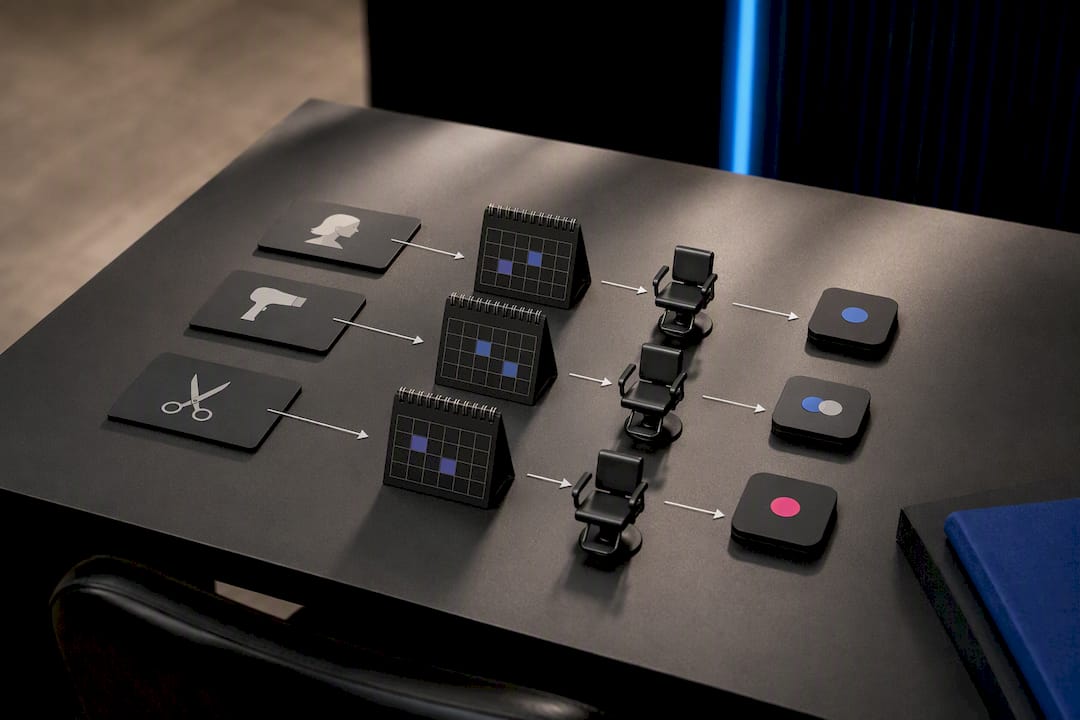
Every service you list needs four pieces of data attached to it: duration, buffer time between clients, a price range, and any add-ons. A color service with foils needs a longer buffer than a basic trim, and if that buffer isn’t built into the calendar, your stylists end up running 20 minutes behind by 2 p.m. Configuring each service entry with duration, staff skill tags, and a deposit rule is what lets the booking system generate a usable appointment record instead of just a calendar block.
From there:
- Set individual provider calendars, including breaks and maximum daily capacity per chair or station.
- Turn on deposits or Card on File for longer or higher-cost services. A short, visible cancellation policy paired with enforced deposits is the single biggest lever for protecting revenue after online booking itself.
- Add intake or consent forms for services needing allergy, patch test, or medical history information, collected before the appointment, not at the chair.
- Link checkout to appointment records so tips, product sales, and commissions all reconcile against the right stylist automatically.
- If you run a suite or booth-rental model, configure provider-level pricing and availability separately for each independent contractor, so brand consistency doesn’t come at the cost of their autonomy.
Integrated payments and Card on File do the heavy lifting here. Without them, a “deposit required” policy is just a sentence on a page nobody enforces.
What Should You Track After the Booking Page Goes Live?
Launching isn’t the finish line. Run three real test bookings yourself before promoting the page, confirm the reminder emails or texts actually fire, and check that your Google Business Profile hours match what’s on the booking widget exactly.
Once it’s live, set your automations: instant confirmation, a reminder 24 hours out, and an optional same-morning nudge for high-value or first-time appointments.
- Watch booking completion rate to see how many visitors who start the flow actually finish it.
- Track no-show rate week over week after deposits go live.
- Monitor average ticket to catch whether pricing transparency is changing what clients book.
- Check rebooking rate, since clients who book online tend to return far more often, at 78 percent versus 39 percent for walk-in clients.
Run small A/B tests on CTA wording, gallery placement, and whether showing exact prices versus ranges changes completion.
| Metric | Why it matters | Check frequency |
|---|---|---|
| Booking completion rate | Flags friction in the flow itself | Weekly |
| No-show rate | Tests whether deposits are working | Weekly |
| Average ticket | Shows if pricing clarity shifts spend | Monthly |
| Rebooking rate | Measures long-term client retention | Monthly |
Why an Owned Booking Page Beats a Rented Widget
Salons that treat their booking page as their storefront, not a bolted-on tool, tend to see the difference in fewer abandoned carts and steadier rebooking numbers. That’s consistent with what shows up across the industry: online booking clients return at nearly double the rate of walk-ins, and generic-looking widgets lose trust the moment they load.
Getexclusively’s platform reflects that same logic. Its Booking Help Videos walk owners through configuring services and deposits without hiring a developer, and its payment terms for both Square and Stripe are published in plain language rather than buried in fine print. Salons using a fully branded storefront instead of an embedded third-party widget typically see cleaner brand consistency across web and mobile, since every screen the client touches carries the salon’s own name, not a booking vendor’s.
If you’re deciding between a generic widget and a branded page, test the branded version first. The difference tends to show up in the numbers within a month.
— Service
A Branded Booking Page Without the Development Headache
There is an alternative to hiring a developer or stitching together separate booking plugins. Such a platform gives barbers and salon owners one platform: a branded website, an embedded booking flow, provider-level pricing and availability controls, and integrated Square payments, all under the salon’s own name instead of a third-party logo.

Everything in the checklist above, the pricing menu, stylist profiles, the gallery, deposits, sticky mobile CTAs, maps to something Getexclusively already builds in. The Website + Booking plan runs $199 per month, and the Website + Booking + Apps plan at $299 per month adds branded iOS and Android apps for repeat clients who’d rather tap an app icon than search for your site. A simpler Business Website plan is also available at $49 per month for salons not ready for full booking integration yet.
Try a two-week test: embed the widget, run three live bookings through it, and compare completion and no-show rates against your current setup. Browse real salon website examples for layout ideas, or go straight to booking a call to walk through setup with a real person.
Sources
- Salon Website Design: Build a Site That Books | Verlua
- Salon Website Checklist: 12 Must-Haves (2026) | PageDrop
FAQ
What makes a salon booking page convert better?
A booking widget embedded directly on the homepage, visible starting prices, stylist profiles, and a real photo gallery all reduce the hesitation that causes people to abandon the flow. Embedding the widget on the homepage alone lifts completions by 15 to 25 percent compared to linking out to a separate page.
Should I list exact prices or price ranges on my booking page?
Price ranges work better than “call for pricing,” since a visible range like “$120 to $180” cuts down on unqualified inquiries and sets expectations before a client ever books. Pair the price with the service duration so clients can plan around both.
How many taps should a mobile booking flow take?
Three taps or fewer is the benchmark, since 71 percent of people abandon a booking flow that asks for too much information or takes too long. Sticky Book Now buttons and pre-filled quick-book links both help hit that number.
What does Getexclusively cost for a branded booking page?
Getexclusively’s Website + Booking plan is $199 per month, and Website + Booking + Apps, which adds branded mobile apps, is $299 per month, both listed on the pricing page. A standalone Business Website plan starts at $49 per month for salons not yet ready for integrated booking.
Do I need integrated payments for deposits to actually work?
Yes. A cancellation policy without enforced payment collection is just a suggestion, while integrated payments and Card on File let you charge deposits automatically and reduce no-shows in practice.