
Salon Marketing Automation: What to Automate and How
Salon Marketing Automation: What to Automate and How

Salon marketing automation means setting up the messages and follow-ups your clients should get anyway, such as reminders, rebooking nudges, review requests and win-back notes, so they go out on their own at the right moment. It works best when it runs from one place that holds your brand, your booking system and your client records. Otherwise you are copying names between tools and sending messages that do not match what clients see on your site. Below is what to automate, in what order, how to connect it to booking, and how to tell whether it is working.
TL;DR
- Start with three automations: appointment reminders, a post-visit follow-up with a rebooking link, and a win-back message for clients who have gone quiet.
- Automation is only as good as the data behind it. Collect an email address and a documented text-message permission at booking, and tag clients by service and last visit.
- Keep messages consistent with your own brand, prices and availability. A message that links to a page showing different prices or times loses the booking.
- Measure four numbers: no-show rate, rebooking rate, repeat visits per client and bookings that come from your messages.
- A branded website, booking system and app that share one platform give your automations a single source of truth. Plans at Exclusively start at $49 per month.
Table of Contents
- What salon marketing automation actually is
- Why it matters for barbers and beauty professionals
- The marketing tasks worth automating, in order
- Plan messages around behavior, channel and timing
- Set up the foundation: booking and client records
- Flexible pricing and automation
- Where Exclusively fits
- Stay on the right side of messaging rules
- Measure whether it works
- Common mistakes to avoid
- A simple four-week rollout
- FAQ
- Sources
What salon marketing automation actually is
Think of it as a set of if-then rules. If a client books, then send a confirmation and a reminder. If a client’s appointment ends, then ask for a review the next day. If a client has not visited in eight weeks, then send a note with a booking link.
You write each message once, decide what triggers it and when it goes out, and the system does the rest. That frees the chair time you would otherwise spend on texting, and it makes sure no client is forgotten because you had a busy week.
This is not the same as bulk promotion. A blast to your whole list on a slow Tuesday is a campaign. Automation responds to what each client has done, which is why it feels personal rather than pushy.
Why it matters for barbers and beauty professionals
Most new clients find you through search before they ever see your feed. One analysis of more than 200 salon websites and 4.6 million visitors over the 12 months to August 2026 found that up to 65% of visitors to top-performing salon sites arrive from Google search, against 1.5% directly from social media. The same study notes that visitors judge easy booking, clear pricing, real reviews and real results within moments of landing.
That has a practical consequence. Your automations should send people back to your own website and booking page, not to a social profile you do not control. The message, the page it opens and the booking flow should look like one business.
Retention is the second reason. One industry roundup of salon and spa benchmarks puts first-visit retention at roughly 45 to 55%, which means about half of new clients never return, often because they simply forget. Treat those figures as a rough industry guide rather than a target. Your own numbers, covered below, are what matter.
The marketing tasks worth automating, in order
Do not set up ten workflows in a week. Add one at a time, check it works, then add the next.
1. Confirmations and reminders
This is the easiest win. A confirmation goes out the moment the booking is made, and a reminder follows a day or so before the visit, with a link to reschedule or cancel. A study in primary care by Imperial College London researchers found no-show rates were 38% lower among patients who received a text reminder. That was a medical setting, so your results will differ, but the mechanism is the same: people forget, and a nudge fixes it.
Include the service, the provider’s name, the time and the address. If you run a suite or multi-chair shop, each provider’s reminder should name that provider.
2. Post-visit follow-up
Send a short thank-you the same day or the next morning. Ask for a review in that message, because the experience is fresh. Add a link to book the next appointment, since the best moment to rebook is when the client is still happy with the cut or the color.
3. Rebooking nudges
Base these on the client’s usual cycle, not a calendar date. A barber with a clientele on a three-week fade schedule needs a nudge at week three. A colorist whose clients return every ten weeks needs one at week nine. Group clients by service so the timing makes sense.
4. Win-back messages
Pick a lapse period, for example twice a client’s normal interval, and send one friendly message with a booking link. Send one follow-up at most. After that, stop. A client who ignores two messages is telling you something.
5. Birthday and milestone notes
These are low effort and well liked. Keep any offer modest and optional so it does not undercut your pricing.
6. Membership communication
If you sell memberships, automate renewal notices, perk reminders and what happens when a client wants to pause. Having a clear script for pauses prevents billing disputes. Our guide on how to freeze salon memberships walks through the wording.
Plan messages around behavior, channel and timing
The best automations feel like good service, not marketing. Three decisions shape that.
Behavior. Trigger on what the client did: booked, completed, canceled, no-showed, went quiet. A client who canceled should get a reschedule link, not a promotion.
Channel. Text suits time-sensitive messages such as reminders. Email suits longer content, receipts and monthly updates. App notifications suit clients who already have your app installed. Ask clients how they prefer to hear from you and honor it.
Timing. Send reminders when people can act on them, and avoid early mornings and late nights. For follow-ups, the next morning is usually better than the moment the client walks out.
Personalization. A first name, the service and the provider are enough. Anything more detailed than that can feel intrusive. Make sure the details are right, because a wrong name or service does more harm than a generic message.

Set up the foundation: booking and client records
Automation breaks when its data is scattered. If your bookings live in one tool, your email list in a spreadsheet and your website prices in a PDF, every message is a guess. The setup order that avoids this:
- Put your services and prices in one place. Each provider should be able to set their own prices, durations and availability, and those should show on your website and in booking.
- Collect contact details at booking. Ask for an email address and, separately, permission to text. Our guide on collecting emails at booking without losing clients covers how to ask without adding friction.
- Tag clients. At a minimum: service type, provider and last visit date. These tags drive timing and segmentation.
- Link messages to the right page. Reminders should open the exact appointment. If you have a mobile app, app deep links can open booking directly inside it.
- Block time that should not be bookable. Holidays and training days belong in your calendar so reminders and rebooking links never offer a slot you cannot honor. See how to set up blackout dates.
- Support multi-service visits. If clients often book a cut plus a beard trim, or a color plus a treatment, make sure rebooking links handle that. Here is how to set up multi-service booking.
Keep pricing clear, because automation amplifies it
Every message sends people to your prices. If your service menu is vague, you will pay for that in questions and abandoned bookings. Clear pricing and service descriptions matter on the page clients land on; a good example of a catalog that makes options easy to browse is the style catalog for Black hair styles, where clients can preview many hairstyles before choosing. Aim for the same clarity in your own service list, with a short description and a price or price range for each.
Flexible pricing and automation
Independent beauty professionals often price by hair length, density or add-ons, and suite renters set their own rates. That is fine, but automations need to respect it.
- Do not hard-code prices into message templates. Link to the live service page so the client always sees the current price.
- Let each provider own their message tone and offers where the shop allows it, but keep logos, colors and sign-offs consistent.
- When one provider runs a promotion, send it only to that provider’s clients.
- If you are an educator, automate the course reminders, prep instructions and follow-up materials per cohort, using the same branded look as your site.
This is where a platform built around provider-level control helps: each person manages their own pricing and availability, while the business keeps one brand across the website, app and booking.
Where Exclusively fits
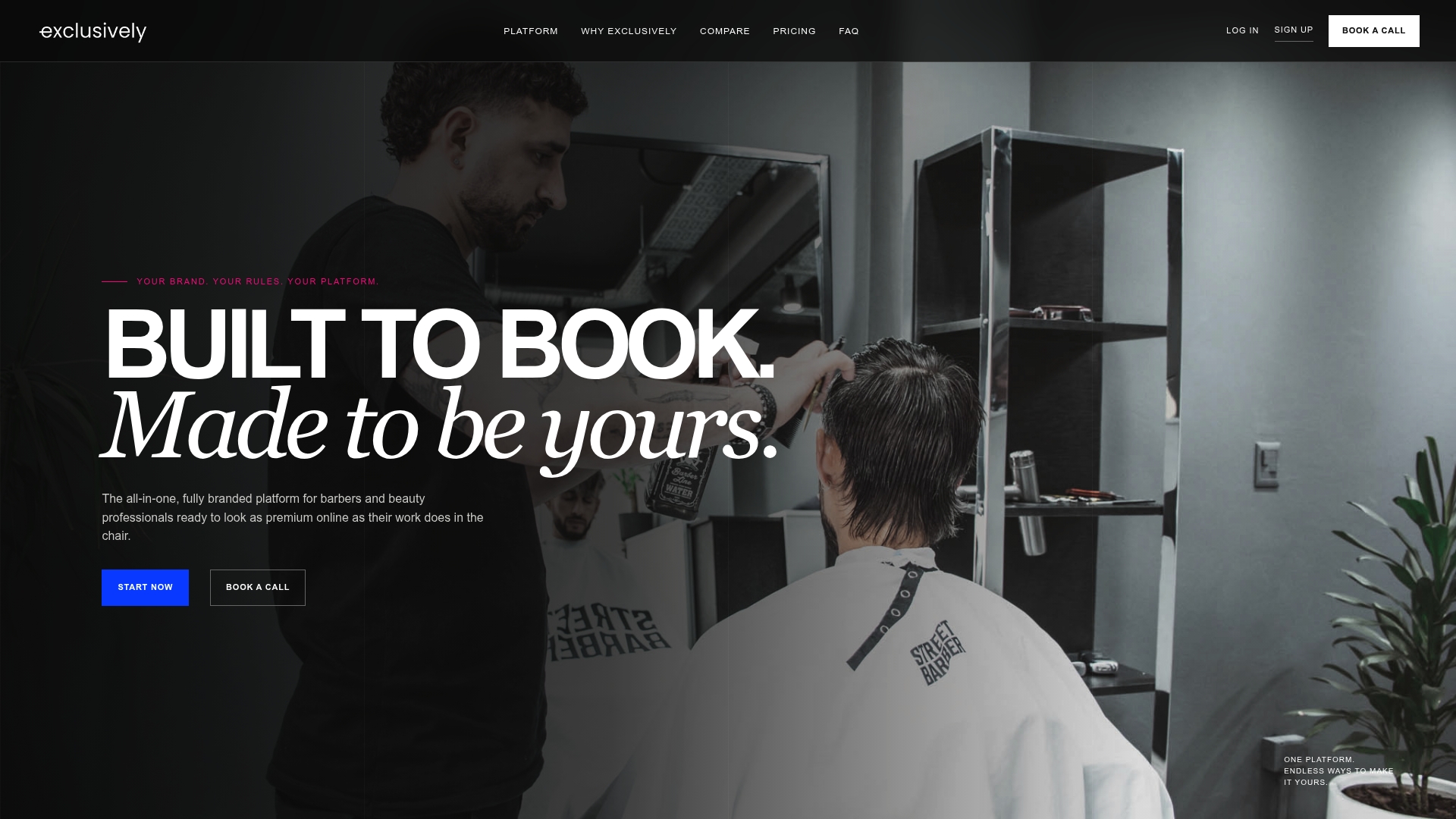
Exclusively is a fully branded platform for barbers and beauty professionals. It brings together a custom website, native iOS and Android apps under your own brand, online booking, integrated Square payments, membership management, marketing tools and analytics. Each provider can set their own services, pricing and availability, while the business keeps central brand governance.
The practical benefit for automation is that your website, booking and app share one source of truth, so a message you send always points to pages that match it.
Published plans:
| Plan | Price | What it covers |
|---|---|---|
| Business Website | $49 per month | Branded website |
| Website + Booking | $199 per month | Branded website and booking system |
| Website + Booking + Apps | $299 per month | Website, booking and your own branded mobile apps |
| Additional locations | $49 per month per location | Add a location to your plan |
See the details on the pricing page, or look at customizable appointment software and branded mobile apps. If you want to talk through your setup, you can book a call.
Stay on the right side of messaging rules
In the US, marketing messages are regulated. Automated marketing texts generally require prior express written consent under the Telephone Consumer Protection Act, meaning clear, documented permission that is separate from the fact that someone is already your client. Marketing email falls under the CAN-SPAM Act, which requires an opt-out mechanism, accurate subject lines and clear sender identification, as summarized here.
In practice:
- Ask for text permission with a clear checkbox at booking, and record when it was given.
- Put an easy way to opt out in every marketing message and honor it promptly.
- Keep transactional messages, like appointment reminders, separate from promotions.
- If you are unsure how the rules apply to your shop or state, ask a lawyer who handles small business or advertising law.
Measure whether it works
Automation that you never check is just noise. Look at four numbers every month, and compare each against your own starting point.
| Metric | How to calculate it | What it tells you |
|---|---|---|
| No-show rate | No-shows divided by total appointments | Whether reminders are doing their job |
| Rebooking rate | Clients with a future appointment booked before or soon after a visit, divided by clients seen | Whether follow-ups and rebooking links work |
| Repeat visits per client | Visits in the last 12 months divided by active clients | Whether clients stay on their normal cycle |
| Bookings from messages | Bookings that start from a message link | Which automation earns its place |
One rebooking example from an industry roundup: a hair salon tracking rebook rates by stylist saw a range from 22% to 61%, and the salon-wide average rose to 52% after training and loyalty bonuses. The lesson is that rebooking varies by person, so measure by provider, not only for the whole shop.
Change one thing at a time. If you rewrite the reminder and the win-back on the same day, you will not know which one moved the numbers. Give each change a month before judging it.
Common mistakes to avoid
- Too many messages. Two or three touchpoints around a visit is plenty. More trains clients to ignore you or opt out.
- Sending to everyone. A message about balayage is wasted on your fade clients. Segment by service and provider.
- Stale data. Old prices, closed dates and departed providers in templates cause confusion and lost trust.
- No consent record. If you cannot show when a client agreed to texts, you should not be texting them promotional messages.
- Generic design. Messages and pages that look nothing like your brand weaken the impression your work creates in the chair.
- Starting too big. Launch reminders first, then follow-ups, then win-backs. Each should work before you add the next.
- Never reading the results. Set a monthly review on your calendar.
A simple four-week rollout
Week 1: Clean up your service list, prices and provider profiles. Add the contact-collection step at booking.

Week 2: Turn on confirmations and reminders. Check a few real messages from the client’s point of view.
Week 3: Add the post-visit thank-you with a review request and rebooking link.
Week 4: Add the win-back message for lapsed clients. Record your baseline numbers so you can compare next month.
After that, add birthday notes and membership messages if they fit your business.
FAQ
What is salon marketing automation?
It is a set of rules that send the right message to the right client at the right moment without you doing it by hand. Common examples are appointment reminders, review requests, rebooking nudges and win-back notes. You write the message once and set what triggers it.
Which automations should I set up first?
Start with confirmations and reminders, since they protect the appointments you already have. Then add a post-visit follow-up with a rebooking link, and finally a win-back message for clients who have not returned in a while.
How many messages is too many?
For most salons, two or three messages around each visit plus an occasional win-back is plenty. If opt-outs rise or replies drop, cut back and make each message more relevant to the client’s service and cycle.
Do I need permission to text clients?
For automated marketing texts in the US, you generally need documented written consent, and every marketing message should include a way to opt out. Reminders about an existing appointment are treated differently from promotions. If you are not sure, check with a lawyer familiar with your state.
Sources
- Digital Marketing Trends For Hair Salons 2026, Salon Guru
- Spa & Salon Retention Statistics (2026)
- Text message appointment reminders reduce no-shows by 38%
- Text Message Laws Every Business Needs to Follow