
Book More Clients in 90 Days: Salon SEO Basics That Work
Book More Clients in 90 Days: Salon SEO Basics That Work
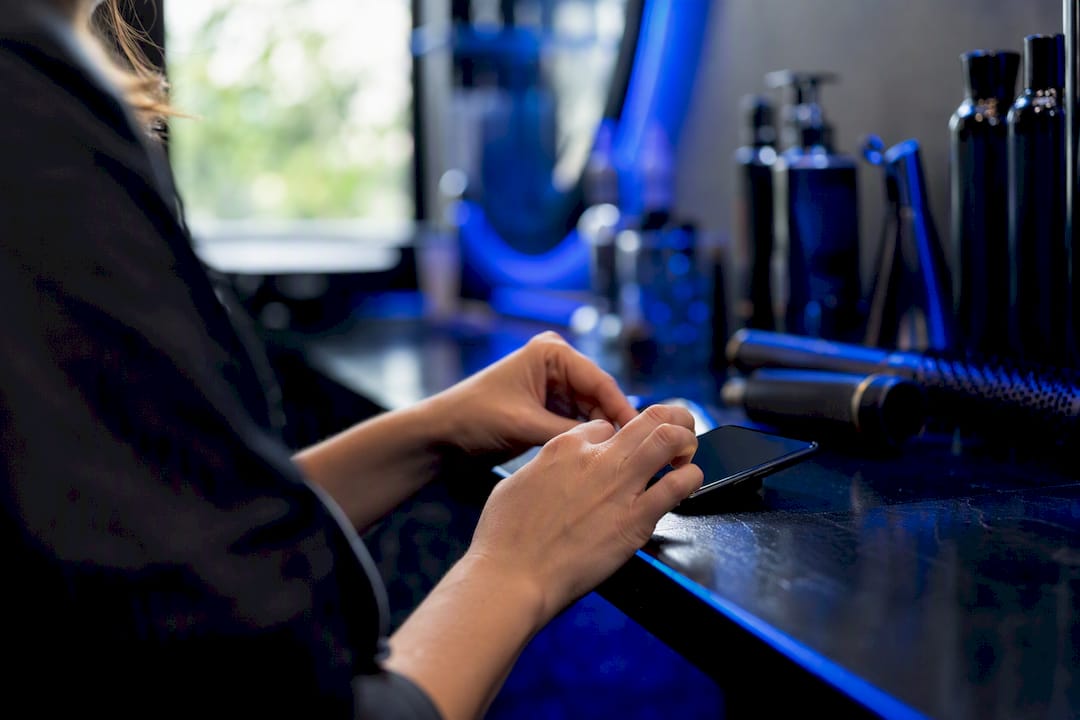
To get more booked clients from search, do five things first: fully optimize your Google Business Profile, build dedicated service pages, upload portfolio photos that convert, generate steady reviews, and add a one-click booking link everywhere clients can find you. These five moves outperform everything else in salon SEO combined. Expect early Google Business Profile movement within 30 to 60 days, and steadier Local Pack gains by month three to six.
TL;DR:
- Fully optimizing your Google Business Profile and continuously uploading high-quality photos are the most impactful steps for local search visibility within three to six months.
- Building dedicated service pages with clear descriptions, pricing, and booking links improves ranking and conversion, especially when linked to your actual website.
- Consistently requesting reviews from recent clients, responding promptly, and maintaining review velocity significantly boost local search trust signals over time.
- Ensuring your business name, address, and phone number are consistent across all platforms establishes credibility and improves rankings in the local pack.
- Streamlining your mobile booking process with minimal steps and fast load speeds minimizes client drop-off and enhances overall conversion rates.
Table of Contents
- Salon SEO Basics: Your Quick Action Checklist This Week
- Google Business Profile: Services, Photos, and the Booking Link That Matters Most
- Website and Service Pages: The Structure That Matches How Clients Search
- Photos and Portfolio: The Visual Proof Clients Actually Book On
- Reviews and Reputation: Building Velocity, Not Just a Star Rating
- NAP Consistency: Getting Your Name, Address, and Phone Number Right Everywhere
- Technical SEO and Mobile Booking: Where Most Salons Lose Clients Without Noticing
- Keyword Strategy: A Three-Tier Content Plan That Matches Search Intent
- Tracking and Timeline: What to Measure and When to Expect Results
- Realistic Prioritization for Busy Salon Owners
- A Simpler Way to Handle the Technical Side
- Where These Salon SEO Basics Come From
- Sources
Salon SEO Basics: Your Quick Action Checklist This Week
You don’t need a marketing degree to move the needle this week. You need eight specific tasks done in order, most of which take under 30 minutes each.
- Claim and verify your Google Business Profile, then add a direct booking link (not your homepage) in the “Book” field.
- Build or upgrade three priority service pages for your highest-margin services, each ending in a booking button.
- Upload at least 10 quality photos this week, then commit to a weekly upload habit going forward.
- Text review requests to your last 20 clients using a one-tap link, not a generic “leave us a review” ask.
- Audit your NAP (name, address, phone) across Google, Facebook, and Yelp, and fix any mismatches.
- Test your mobile booking flow yourself, on your phone, and count how many taps it takes to confirm an appointment.
- Rewrite your title tags and H1s around service plus city (“Balayage in Austin” beats “Our Services”).
- Connect Google Business Profile Insights and Google Search Console so you can see what’s actually working.
None of this requires an agency retainer. It requires an afternoon, a phone, and a willingness to send texts you’d rather not send. That last point matters more than most owners assume, since Google Business Profile is the single highest-leverage SEO asset most salons have and never fully use.
Google Business Profile: Services, Photos, and the Booking Link That Matters Most
Your Google Business Profile does more heavy lifting than your website for one simple reason: it’s what shows up when someone searches “balayage near me” on their phone, standing in line for coffee, three minutes before they book something. Get this wrong and everything else you do is secondhand.
Start with categories. Your primary category should be the single most accurate description of your business (Hair Salon, Nail Salon, Barber Shop), and your secondary categories should reflect real services you offer, not aspirational ones. A salon that lists “Spa” as primary when it does zero spa treatments confuses Google’s matching and buries you for the searches that actually convert.
From there, list every service individually inside the Services section, not bundled into vague categories:
- Add a short description (one or two sentences) for each service, written the way a client would search for it.
- Include a price range for every listed service. Vague pricing reads as evasive and clients skip past it.
- Link each service, where possible, to the matching page on your website rather than your homepage.
- Add a direct booking link to your booking page, not your homepage, so there’s zero extra clicking between “interested” and “booked.”
Photos come next, and this is where most profiles quietly fail. Upload real work, not stock images: finished cuts, color transformations, your actual chairs, your actual storefront. Use JPEG or WebP files, add a one-line caption describing the service and city (“Balayage color correction, Denver”), and fill in alt text the same way. Google reads that text. So do the AI tools increasingly summarizing local search results.
Finally, use GBP Posts and the Q&A section actively. Post about new services, seasonal promotions, or a stylist’s specialty. Seed the Q&A section yourself with the three questions clients ask most (“Do you take walk-ins?” “Do you do curly hair?”) and answer them before a stranger answers them badly.
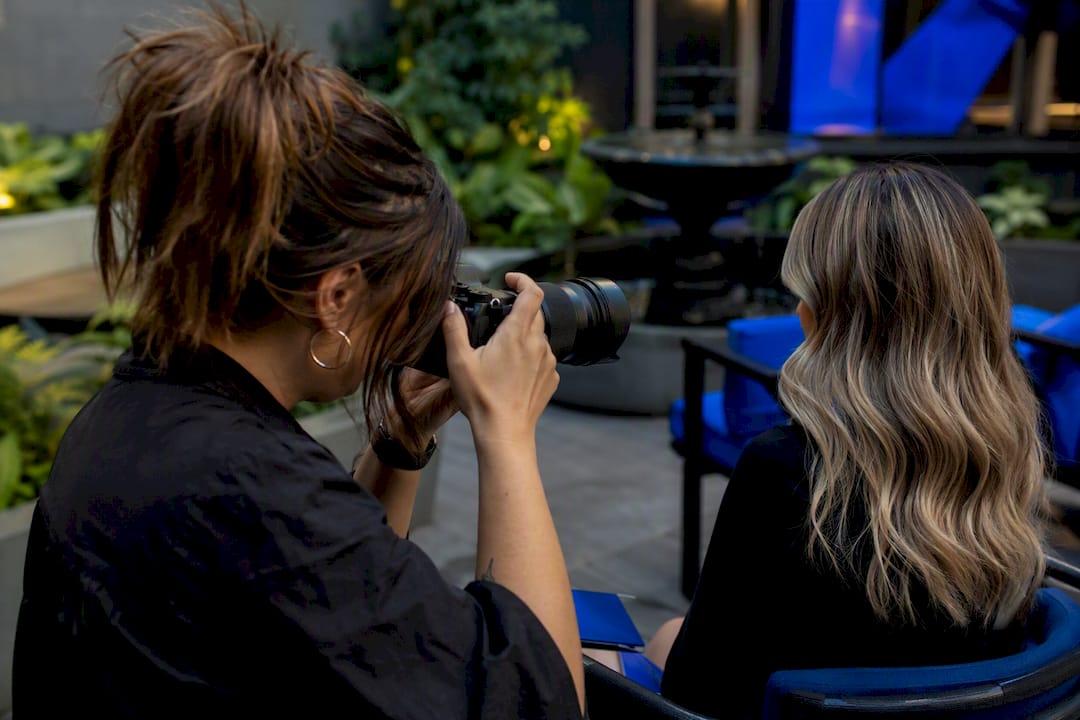
Pro Tip: Set a recurring 15-minute calendar block every Monday just for GBP updates. Profiles that go quiet for months lose visibility even if nothing else changes.
Website and Service Pages: The Structure That Matches How Clients Search
A homepage that says “welcome to our salon” and lists five services in a paragraph will lose to a competitor with five dedicated pages every time. Service-specific pages rank faster and convert better than generic listings, because Google can match a specific search (“keratin treatment”) to a specific page instead of guessing from a general one.
Each core service deserves its own page built around a consistent structure:
- What the process actually involves, step by step, in plain language
- Realistic time expectations (a balayage appointment isn’t a 30-minute service, and pretending otherwise creates no-shows)
- A price range, even a broad one, because hiding pricing kills clicks
- Before/after photos specific to that service, not your general portfolio
- A booking CTA placed above the fold, repeated once more near the bottom
Title tags and H1s should follow one simple formula: “Service in City | Salon Name.” A page titled “Balayage in Portland | Willow Salon & Co.” tells both Google and the searcher exactly what they’re getting before they click. Meta descriptions should mirror that specificity and include a soft call to action (“Book your balayage consultation online in minutes”).
Behind the scenes, add LocalBusiness or HairSalon schema markup to your homepage, and make sure every photo carries descriptive alt text tied to the actual service shown. If you serve multiple neighborhoods or a wide metro area, build a dedicated location page once you have enough client volume from that area to justify it. One page trying to rank for six neighborhoods rarely ranks well for any of them. A custom website built around service pages handles this structure by default instead of requiring a developer every time you add a service.
Photos and Portfolio: The Visual Proof Clients Actually Book On
Salons underestimate photos more than any other single factor. Profiles with a robust collection of recent photos and steady upload activity outperform technically optimized profiles that barely have a portfolio, because clients are booking a look, not a business description.
Aim to build a substantial photo portfolio across your Google Business Profile and website, then maintain consistent regular uploads each week. That cadence signals an active business, which both clients and Google’s algorithm read as a trust marker.
- Before/after pairs convert better than single “after” shots. Always get written or verbal consent before posting a client’s face.
- Shoot in consistent, flattering light. A dim phone photo under salon lighting undersells great work.
- Convert images to WebP format and compress them before upload. Uncompressed portfolio photos are the single biggest cause of slow-loading salon websites.
- Use lazy loading on service and gallery pages so images below the fold don’t slow initial page load.
- Write a caption and alt text for every photo naming the service and, when relevant, the stylist (“Vivid red color melt by Jess, curly hair specialist”).
Pro Tip: Batch your photo work into one dedicated session every week rather than trying to snap shots between clients. A rushed photo hurts you more than no photo at all.
Reviews and Reputation: Building Velocity, Not Just a Star Rating
A five-star average built on 12 reviews from two years ago tells Google, and increasingly AI recommendation tools, that your business has gone quiet. Steady review velocity, two to four new reviews per month sustained over time, outperforms a one-time push for reviews, even if that push briefly spikes your total count.
- Send the request within two hours of the appointment, while the client still remembers exactly how happy they were with the result, via SMS or WhatsApp rather than email.
- Keep the message to one line with a one-click link: “Loved your color today? Leave a quick review here” beats a paragraph explaining why reviews matter.
- Mention the service and stylist by name in the request so the review itself carries useful context for future searchers.
- Respond to every review within 48 hours, thanking positive reviewers by name and addressing negative ones calmly, without getting defensive in public.
- Route anything short of fully satisfied to a private feedback form first, so unhappy clients get heard before they consider posting publicly.
A realistic monthly target for most single-location salons is to consistently gain new reviews each week. That’s roughly two per week, which a consistent SMS habit makes far easier than an occasional group email. Automated SMS booking links, the kind used in appointment-based reputation workflows, make this close to effortless once set up.
Pro Tip: Never ask for a review at checkout while the client is still in the chair. Wait until they’ve had a few hours to see the results in their own mirror at home; those reviews read more genuine and mention specifics.
NAP Consistency: Getting Your Name, Address, and Phone Number Right Everywhere
Google cross-checks your business name, address, and phone number across the web to decide how much to trust your profile. A mismatched suite number on Yelp or an old phone number on a niche directory quietly undermines your entire local SEO effort.
Run a quick audit by searching your salon name plus city and clicking through the first ten results. Note every discrepancy, then pick one canonical format for your name, address, and phone number and use it everywhere, character for character.
- Prioritize Google Business Profile, Apple Maps, Facebook, and Yelp first, since these carry the most search weight.
- Claim and update niche salon directories too (StyleSeat, Booksy’s directory listing, local chamber of commerce sites) since a checklist-driven NAP audit moves most salons toward Local Pack eligibility.
- Fix the business name first (drop old “DBA” variants), then address suite formatting, then phone number, in that order of priority.
Technical SEO and Mobile Booking: Where Most Salons Lose Clients Without Noticing
A gorgeous website means nothing if a client gives up three taps into your booking flow. Most salon SEO failures aren’t ranking problems; they’re conversion leaks that happen after the click.
- Place your click-to-call button and booking CTA above the fold on mobile, visible without scrolling.
- Compress and convert portfolio images to WebP, and lazy-load anything below the fold to protect load speed.
- Cut your booking flow down to the fewest possible steps: service selection, time, contact info, confirmation. Prefill fields when you already have the client’s information.
- Show a clear confirmation screen and follow-up text immediately after booking completes, since silence after a tap makes clients wonder if it worked at all.
Core Web Vitals give you a concrete speed target: aim for Largest Contentful Paint under 2.5 seconds. Image optimization through WebP formatting, compression, and lazy loading is essential for salon sites specifically, because portfolio-heavy pages are the most common Core Web Vitals failure point in the industry. Test your own site with Google’s PageSpeed Insights; it’s free and takes under a minute. A streamlined booking flow with reliable payment processing reduces the number of steps between “found you on Google” and “paid deposit,” which is exactly where most salons quietly lose clients.
Keyword Strategy: A Three-Tier Content Plan That Matches Search Intent
Not every keyword deserves the same page. A simple tiering model, booking, service, and informational, helps salons prioritize content that actually converts instead of writing blog posts nobody searching to book will ever see.
- Tier 1: booking-intent keywords. “Hair salon [city]” and “[service] near me” belong on your homepage and Google Business Profile. These searchers are ready to book today.
- Tier 2: service-page keywords. “Balayage [city],” “keratin treatment [city],” “men’s haircut [city].” These map directly to the dedicated service pages covered earlier.
- Tier 3: informational keywords. “How long does balayage last,” “keratin treatment vs. Brazilian blowout.” These belong on blog posts that capture earlier-stage searchers before they’ve chosen a salon.
Start your keyword research in Google Search Console, not a guessing game. Look at what queries already bring impressions to your site, then add local modifiers to the ones showing promise. Commit to one educational blog post per month covering a Tier 3 topic; that’s a sustainable cadence that compounds without draining your week.
Tracking and Timeline: What to Measure and When to Expect Results
Track four numbers monthly: Google Business Profile views, phone calls generated, bookings attributed to search, and the specific queries and clicks showing up in Search Console. Set up Google Business Profile Insights, Search Console, and basic Analytics on your website; all three are free and take under an hour combined to configure.
- Expect early Google Business Profile movement (more views, more calls) within 30 to 60 days of completing your profile and photo work.
- Expect stable Local Pack ranking gains within 3 to 6 months, once reviews, citations, and service pages have had time to accumulate.
- Use whichever metric is flattest each month to decide your next move: if calls are up but bookings are flat, the problem is your booking flow, not your SEO.
Realistic Prioritization for Busy Salon Owners
Delegate what doesn’t require your judgment: front desk staff can send review texts at checkout, and stylists can snap portfolio photos between clients if you set the standard first. Keep GBP category choices, pricing pages, and review responses to negative feedback under your own control.
Batch the repetitive work. One weekly photo session and one weekly review-sending window beat scattered attempts squeezed between color appointments. The most common mistake I see owners repeat is doing SEO in bursts, three intense weeks, then nothing for two months, which kills the review velocity and photo cadence that actually drive rankings.
— Service
A Simpler Way to Handle the Technical Side
Everything above works whether you build it yourself, hire freelance help for specific pieces, or hand the technical load to a platform built for exactly this job. Getexclusively removes the part most owners dread: stitching together a website, a booking system, and a mobile app that all point to the same clean booking link your Google Business Profile needs.

Instead of juggling a website builder, a separate booking tool, and manual photo uploads across three platforms, you get one branded system: a custom website with built-in service pages, a booking flow designed to cut steps rather than add them, and a mobile app under your own name instead of a shared third-party app. Reviews, photos, and booking links all live in one place instead of five. If you’re comparing options, see how it stacks up against other booking platforms or check current plans to see what fits your salon’s size and setup.
Where These Salon SEO Basics Come From
For deeper reading beyond the tactics above, these three guides shaped the recommendations in this article and are worth a closer look if you want more detail on any single piece:
Salon SEO: The Complete Local SEO Guide for Hair and Beauty Salons covers Google Business Profile optimization and photo strategy in more depth than covered here.
Salon Reputation Management: How Reviews Drive Discovery and Bookings breaks down review velocity and response strategy with more nuance around AI recommendation signals.
SEO for Salons: Local Ranking Guide lays out the 30 to 90 day timeline and keyword tiering model referenced throughout this piece.
Sources
- Salon SEO: The Complete Local SEO Guide for Hair and Beauty Salons (2026) | Flento
- Salon Reputation Management: How Reviews Drive Discovery and Bookings
- SEO for Salons: Local Ranking Guide (2026) | Cited