
Salon Service Menu Customization: Build One Clients Understand
Salon Service Menu Customization: Build One Clients Understand

Customizing a salon service menu means shaping five things around your clients and your brand: how services are grouped, how they are named, what each listing says (price, time, what’s included), how the menu looks, and how it connects to online booking. Get those right and a first-time client can find a service, understand it and book it without texting you a question. This guide walks through each one, then shows how to adapt the menu for suites, mobile work and teaching.
TL;DR
- Group services the way clients think about them (haircuts, color, facials, add-ons), not the way your back office does, and keep categories few.
- Name services by the result or situation, and keep the technical term in the description underneath.
- Every listing should show what’s included, roughly how long it takes and a price or starting price.
- Your menu should match your brand in fonts, colors and tone, and it should live inside your booking flow, not in a separate PDF.
- Each provider in a multi-chair business should be able to set their own prices and availability while the brand stays consistent.
Table of Contents
- Start with structure: how clients look for services
- Name services so a stranger understands them
- What each listing should say
- Pricing: fixed, starting at, or by consultation
- Customize the look so the menu feels like your brand
- Connect the menu to online booking
- Adapt the menu to your specialty and setup
- A quick audit for your current menu
- Put your menu inside your own branded platform
- FAQ
- Sources
Start with structure: how clients look for services
A menu is a navigation tool before it is a price list. Clients arrive with a need (“I need a fade before Friday,” “my color is growing out”), and the menu has to let them match that need to a listing in seconds.
A sensible default flow, echoed by salon menu structure guidance, runs from the main services through treatments to add-ons, with categories kept tight. Fifteen headings with three services under each overwhelms people. Aim for four to seven categories.
Here is how that looks for different businesses:
| Business type | Typical top-level categories |
|---|---|
| Barbershop | Haircuts, Beard and shave, Combos, Kids and seniors, Add-ons |
| Hair salon | Cuts and styling, Color, Treatments, Extensions, Add-ons |
| Esthetics studio | Facials, Waxing, Lashes and brows, Body, Packages |
| Nail studio | Manicures, Pedicures, Enhancements, Nail art, Add-ons |
Three habits make a structure work:
- Lead each category with your signature or most-booked service. The eye lands on strength first.
- Put the ladder in plain view. If a haircut costs one price with a junior barber and another with a master barber, show both levels together so clients choose without awkwardness.
- Keep add-ons in their own group. Extras like a hot towel, a deep-conditioning mask or a brow tint should be easy to attach to a main service, not scattered through the menu.
Name services so a stranger understands them
Regulars know what “The Works” or “Gloss Ritual” means. A new client does not. The fix is not to drop your personality, it is to pair the name with a plain description.
Guidance on naming services recommends naming offerings after the situation or result rather than the method, with the technical term kept in the description. It also suggests a short description that says who the service is for, what the client gets and what happens next.
In practice:
| Instead of | Try | Description opens with |
|---|---|---|
| Dimensional Service | Grown-out color refresh | “For color that has faded or grown out and needs a reset. Includes a gloss and blow-dry.” |
| Signature Ritual | Beard shape-up and hot towel | “For a clean line and softer beard. Includes a razor edge-up and conditioning oil.” |
| Skin Reset | First-time facial | “For anyone new to facials. We analyze your skin, then tailor the treatment.” |
If you like creative names, use them as the second line: “Grown-out color refresh (our Gloss Ritual)”. Clients searching for what they need will find it, and loyal clients still see the name they know.
What each listing should say
The strongest menu entries answer the same four questions every time: what is it, what is included, how long does it take and what does it cost. A sample description template from a hair salon color service example shows the pattern: a price range, what is included, a note that price varies by hair length and density, and an appointment length of 2.5 to 3 hours.
Adapt that to your own services:
- Name and price: “Haircut and beard trim, $55”
- What’s included: consultation, cut, line-up, hot towel, styling product
- Duration: “About 45 minutes”
- Who it’s for or what to expect: “Best for beards longer than a quarter inch” or “Bring a photo if you have a specific shape in mind”
The duration line matters more than most owners expect. It stops clients from booking a 30-minute slot for a 90-minute service, and it feeds the calendar so back-to-back bookings do not collide. If your booking software uses the duration to block time, the menu and the schedule stay in sync automatically.
Pricing: fixed, starting at, or by consultation
The right format depends on how much the service varies.
Fixed price suits standardized services: a men’s cut, a gel manicure, a brow wax. Clients like certainty and it speeds up booking.
Starting price (“from $X”) suits services where length, density, product or time changes the cost: color, extensions, long-hair cuts. Say what moves the price in one line, for example “Price depends on hair length and density.” That one sentence prevents most checkout surprises.
Consultation pricing suits genuinely custom work such as corrective color or a full transformation. Use it sparingly and give clients something concrete anyway: a starting price, a typical range or the length of the consultation. A menu line that only says “on consultation” leaves a new client guessing, and guessing often means leaving. Some barbershops build the consultation into the service itself. One New York shop’s published price menu frames a short consult as the step that confirms the agreed result before the cut begins.

Add-ons and packages
Treat add-ons as small, clearly priced extras with their own time: “Scalp massage, +$15, +10 minutes.” Showing the time keeps the schedule honest. Surface them at the moment of booking, not only on the printed menu, because that is when a client is already deciding.

Packages work best when they bundle things clients already book together (cut and beard, color and treatment) and show the saving or the convenience clearly. Do not build a package so complicated that it needs its own explanation.
If you sell memberships, give them their own section and keep the terms short. Our guide on how to freeze salon memberships covers handling the pause requests that come with them.
Customize the look so the menu feels like your brand
A service menu is often the first thing a new client reads, so it should look like the rest of your business. A few decisions carry most of the weight:
- Fonts and colors: use the same two fonts and the same palette as your logo, website and signage.
- Photography: one strong photo per category beats a thumbnail for every service. Use your own work.
- Tone: a barbershop menu can be short and punchy, a med-spa menu calm and precise. Write the way you talk to clients.
- Spacing and hierarchy: category headings large, service names bold, details light. Avoid walls of text.
- One source of truth: if you keep a PDF, a Google Business profile menu, an Instagram highlight and a website menu, they will drift apart. Put the master version in one place and have everything else point to it.
This is where template-based menu tools hit their limit. A downloadable template looks fine on the day you print it, but it cannot update itself when a price changes or connect to your calendar. A menu built into your own branded website is part of the same design as everything else clients see.
Connect the menu to online booking
The point of a menu is a booked appointment. A menu that ends at a phone number or a “DM us” line loses the clients who decide at 11 p.m.
A connected menu should let a client:
- Pick a service (with its listed duration and price).
- Add extras.
- Choose a provider, or “first available.”
- See real availability and book.
- Pay a deposit or the full amount if you require it.
For multi-provider businesses, the key feature is who controls what. Ideally each barber or stylist sets their own services, prices and hours, while the owner controls the brand layer: logo, colors, menu categories and policies. That is how a chair renter can charge more than a new hire without the menu looking inconsistent.
Time off belongs in the same system. If a provider is away, the menu should not offer them. Our walkthrough on setting up blackout dates shows how to close days cleanly. If you also have a mobile app, app deep links let a link on your social profile open booking directly in your app.
Adapt the menu to your specialty and setup
Independent suite owners
When you work alone, your menu is your brand. Keep it short: your best five to eight services, each with a clear duration. Put your cancellation and deposit policy near the booking button, not buried in a footer. Because you control your own pricing, you can change a price in one place and have it update everywhere.
Multi-chair salons and barbershops
Separate the shared menu from provider-level details. The shop defines categories and standard service names. Each provider then sets the price and availability for the services they perform. Clients can compare providers on the same service without reading three different menus. Extra locations should reuse the same structure so the brand reads the same everywhere.
Mobile beauty professionals
A mobile menu should be built around portable, repeatable treatments. Guidance for UK mobile businesses suggests leaving out services that need specialized electrical, hygiene or infrastructure setups in a starter menu, and stating physical requirements such as access to warm water or a certain room setup in the service description or booking note. The same logic applies in the US: say in the listing what space and equipment the client needs to provide, and what travel fees apply.
Beauty educators
If you teach, your menu is a catalog. List each class or workshop like a service: title, who it is for, what students leave able to do, duration, what is included (kit, model, certificate) and price. Keep client services and education in separate categories so a client booking a facial is not scrolling through a masterclass list.
A quick audit for your current menu
Open your menu on your phone and hand it to someone who has never visited. Ask them to find a service, tell you roughly what it costs and how long it takes, and book it. Then check:
- Does every service show a price or starting price?
- Does every service show a duration?
- Can a stranger tell which line is for them?
- Are add-ons easy to attach?
- Do the menu on your website, your booking page and your social profiles match?
- Does the look match your brand?
Every “no” is an edit worth making this week.
Our perspective
We build Exclusively around one idea: the menu belongs to your brand, not to a marketplace. A generic listing puts your services in the same box as every other shop. We think your menu, your website, your app, your booking flow and your payments should look and feel like one business.
That is also why we give providers control over their own services, prices and availability while the business keeps central control of the brand. A barber should not need the owner to change a price, and the owner should not worry that the menu will stop matching the brand. Both can be true at once.
Our advice is simple: write the menu for the person who has never met you, put it where booking happens and keep it in one place.
Service
Put your menu inside your own branded platform
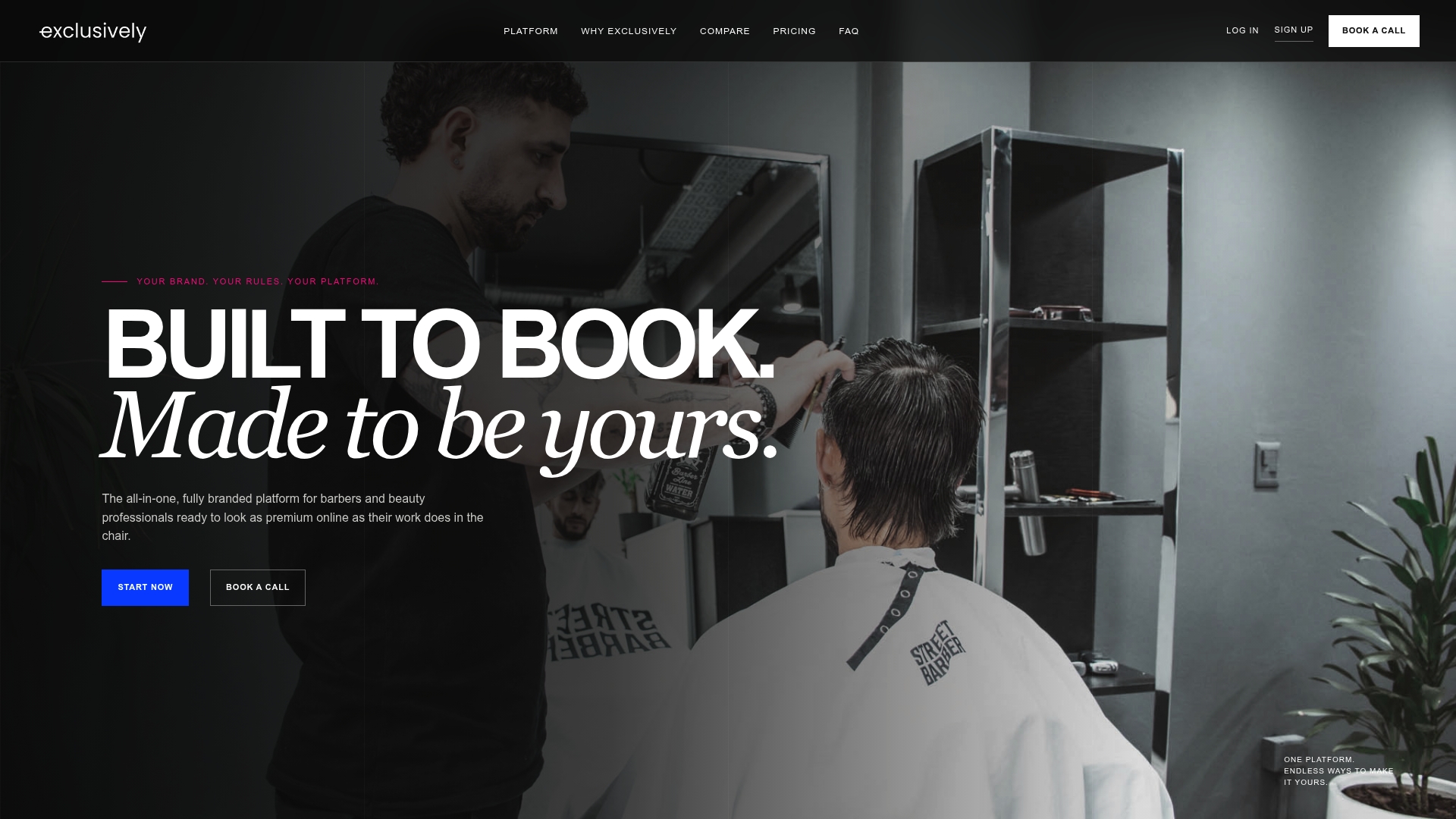
Exclusively gives barbers and beauty professionals a custom website, online booking, native iOS and Android apps under your own brand, and Square payments, with provider-level control over services, pricing and availability. Plans are published at our pricing page: Business Website is $49 per month, Website + Booking is $199 per month and Website + Booking + Apps is $299 per month. Additional locations are $49 per month per location.
If you want your menu to show clients real availability, start with our appointment software. For taking payment at booking, see Square payments for barbershops. Questions about setup? The booking help videos walk through it step by step.
FAQ
How many services should a salon menu list?
As many as clients actually book, and no more. A solo provider often does well with five to eight core services plus a few add-ons. Larger shops can list more if categories stay few and each category leads with its most popular service.
Should I show prices on my service menu?
Yes. Show a fixed price where the service is standardized and a starting price where it varies, with one line explaining what changes the cost. Clients who see no number often assume the price is high or leave to find a shop that shows one.
How do I handle add-ons so they do not clutter the menu?
Group them in a single add-ons section and give each a price and a time. Then offer them during booking after the client picks a main service. That keeps the main menu clean while still making extras easy to add.
Can each stylist or barber have their own prices?
Yes, if your booking platform supports provider-level pricing. The business sets the categories and brand look, and each provider sets prices, services and availability for their own chair. Clients then see accurate details for whoever they choose.
Sources
- Salon menu structure guidance
- Naming services so clients understand them
- Service descriptions with pricing details
- Barber price menu, Upper East Side
- Starting a mobile beauty business